Show your work, straight from Instagram.
Build a portfolio that looks as good as your feed, because it can be your feed. Connect Instagram and keep your booking page fresh without extra work.
Connect your Instagram →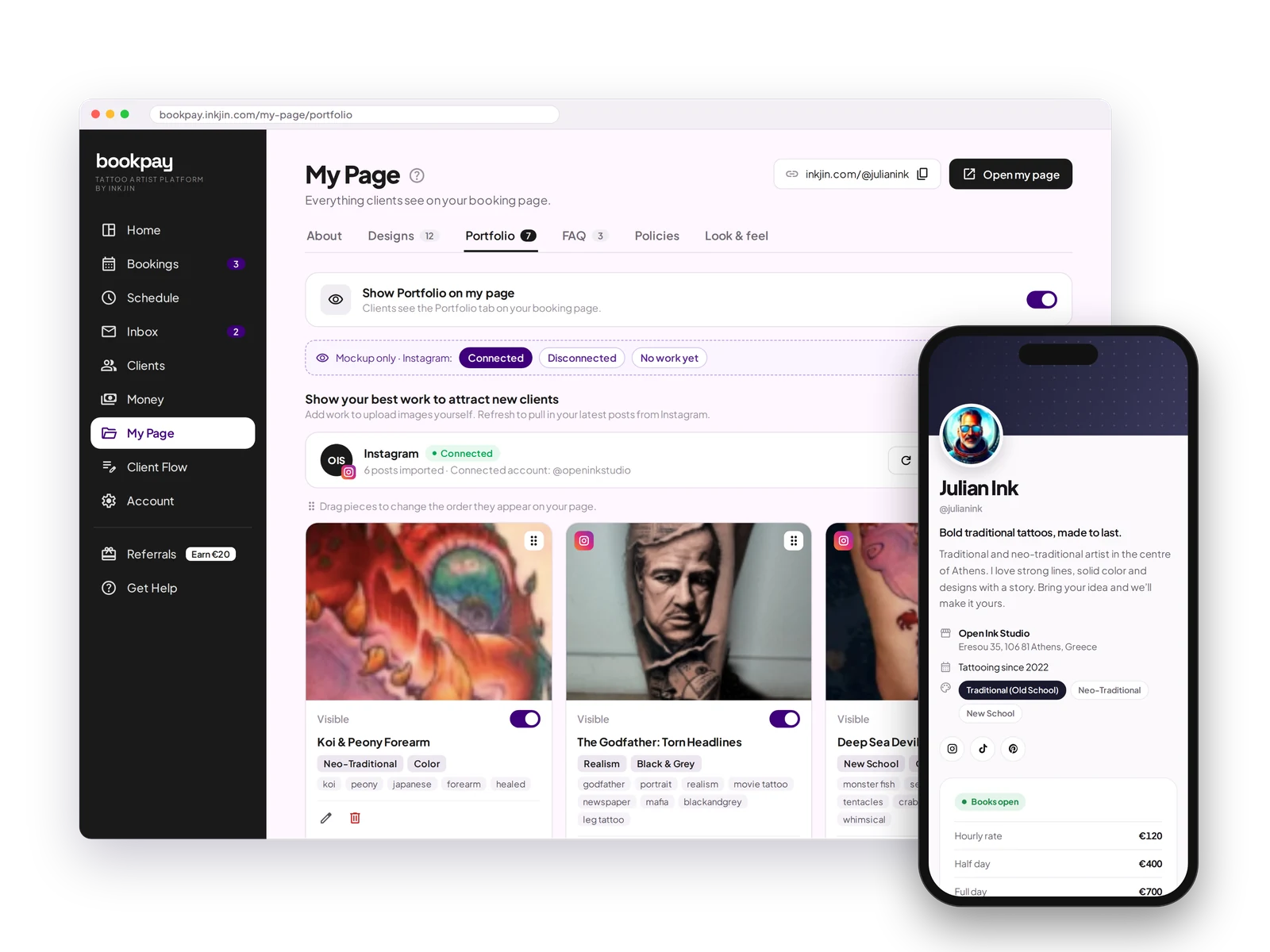
Instagram sync
Connect Instagram and pull your latest posts into your portfolio. Turn pieces on or off and reorder them the way you want.
Manual uploads
Prefer to pick by hand? Upload images directly and arrange them however you like.
Style tags
Tag pieces by style, placement and color, so clients find what they are after.
Always up to date
New post on Instagram, new piece on your page. No extra steps.
Portfolio FAQ
Do I have to upload my portfolio by hand?
No. Connect Instagram and your latest posts come in automatically, or upload images by hand if you prefer.
Can clients filter by style?
Yes. Tag pieces by style, placement and color so clients can browse what they are after.
Does my portfolio stay updated?
Yes. New post on Instagram, new piece on your page, with a simple refresh.
Your best work, always on display.
Post to Instagram like you already do. Your booking page stays up to date with your latest work.
Open your books →