
Try on any tattoo in AR.
Before you commit.
The free AR tattoo app. Preview any design on your own skin in real 3D, real scale, before you ever sit for a session.


4.91★ App Store & Google PlayFree no sign-up
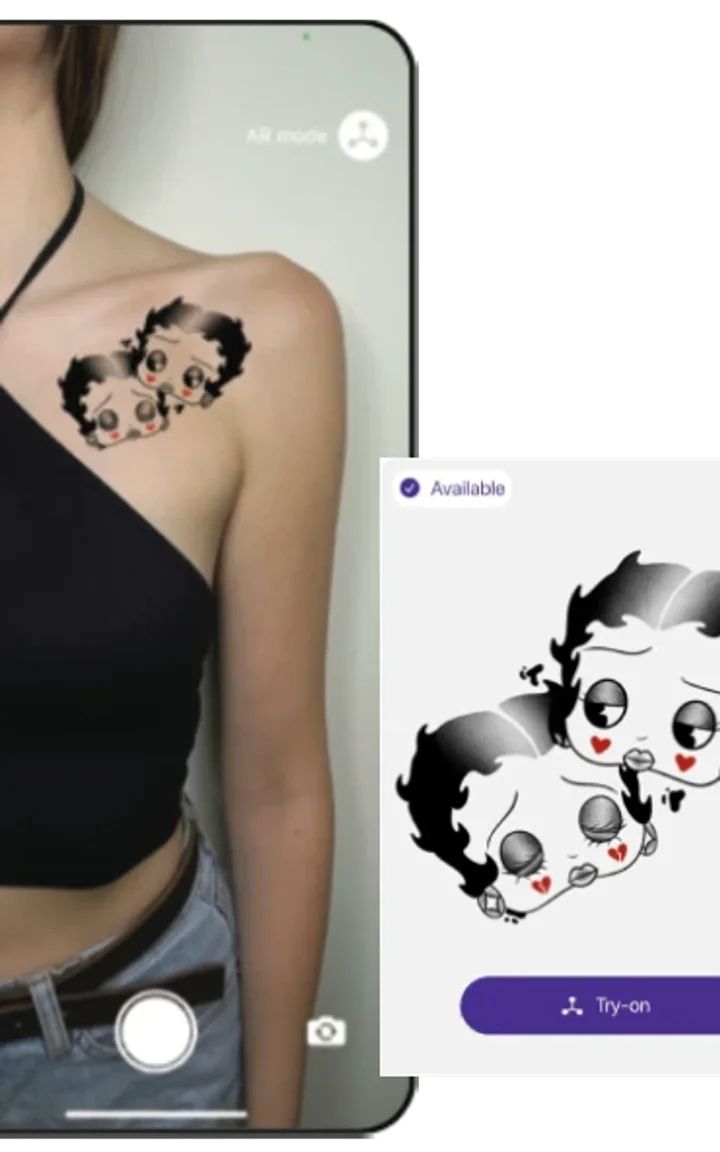
From idea to "show this to my artist" in 30 seconds.
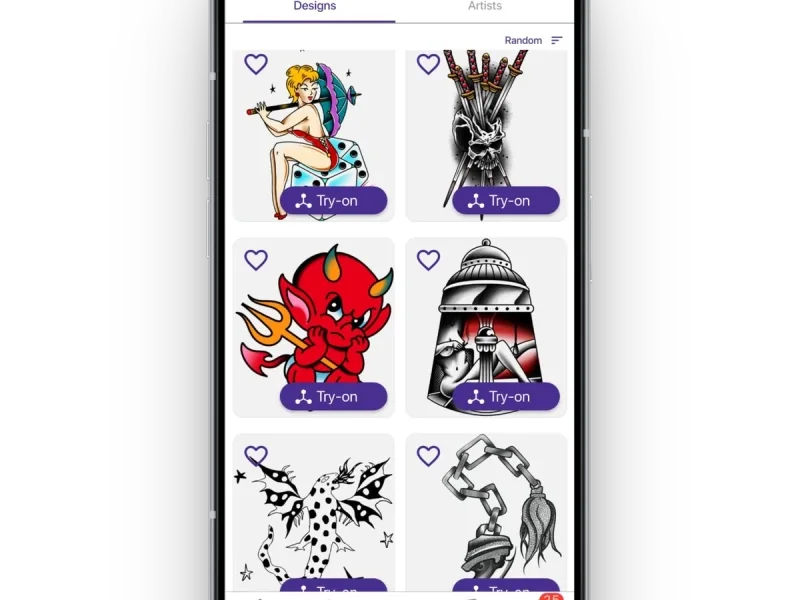
Pick a design
Open the Inkjin library. Thousands of designs, every style you'd actually consider. Or drop in a sketch of your own. Pick two or three you're torn between. Not the one you've already decided on.
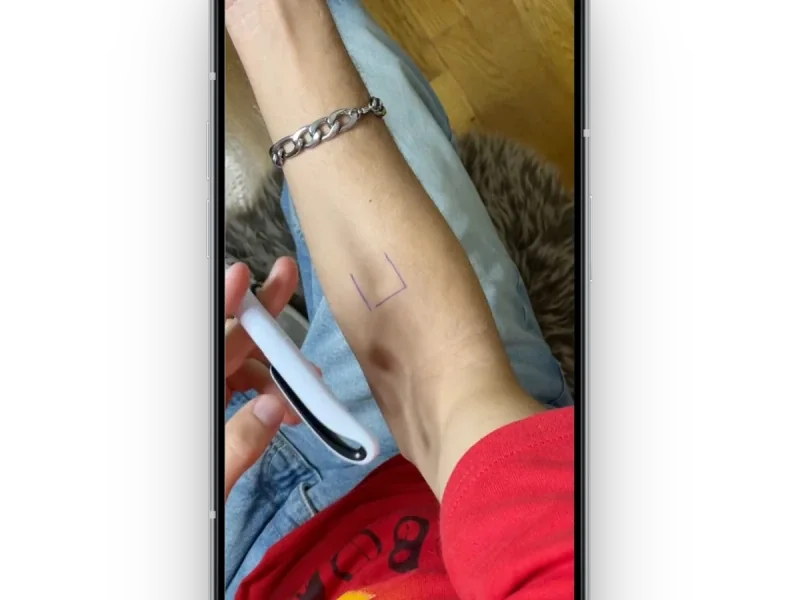
Point your camera
Aim at the spot. Arm, ribs, shoulder blade, wherever you're considering. The design snaps onto your skin at real scale. Move closer. Step back. Twist your wrist. Watch how it sits when you're actually moving, not when you're holding still.
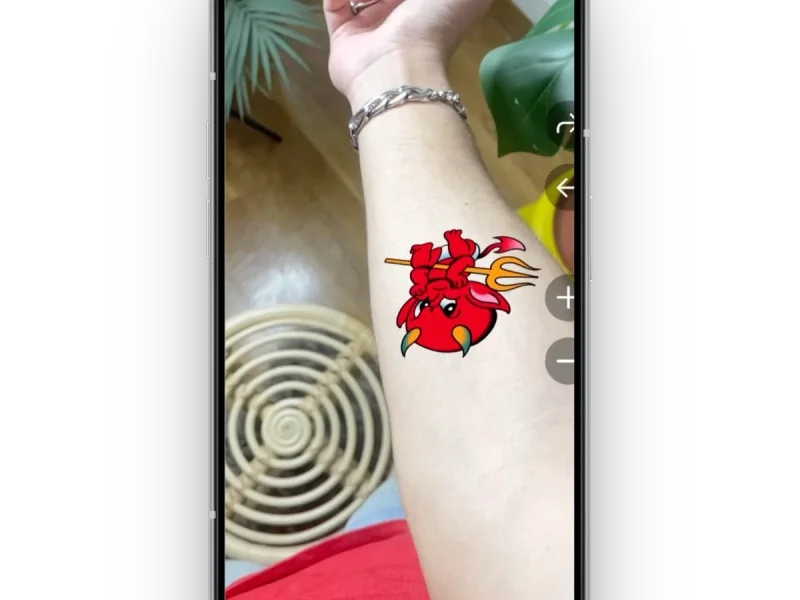
Save and share
Screenshot the angles that feel right. Send them to your tattoo artist before you walk in. The first thirty minutes of your appointment shouldn't be spent debating placement. That time is for actually getting tattooed.
Every style. Every body part. Every angle.
Every tattoo style reads differently on real skin. A bold blackwork piece that looks massive in a flash book can sit beautifully across a forearm. Fine line can get lost on broad skin. Preview the style you're considering in AR, then dig into the guide.
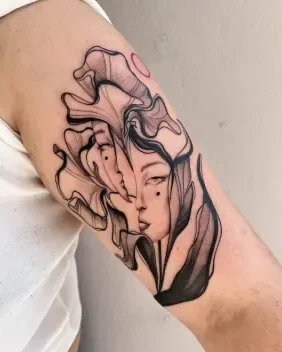
Fine Line
@raniatattoos, GRThin lines, soft shading, minimal color.
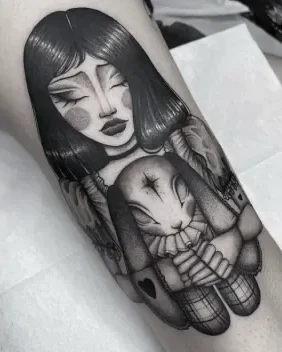
Blackwork
@achlys, GRBold lines, solid fills, no color.
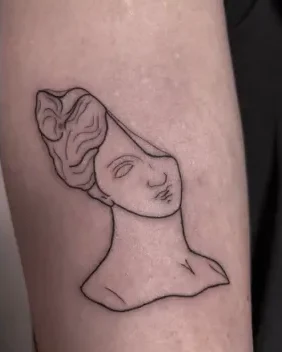
Fine Line
@terrie_titouutattoo, UKSimple shapes, clean lines, lots of space.
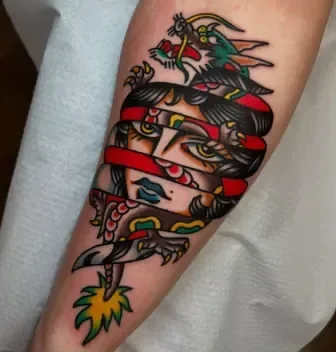
Traditional
@stoy_junx, GRBold outlines, flat color, classic motifs.
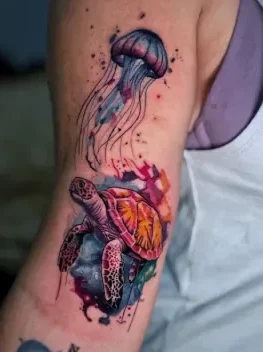
Watercolor
@nick_theocharis, GRSoft edges, blended color, no outlines.
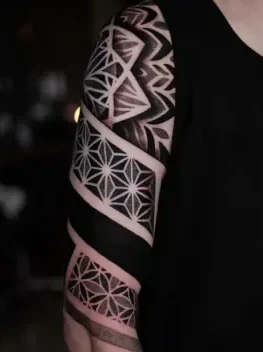
Geometric
@nero_prenta, UKHard lines, mathematical patterns, tight symmetry.
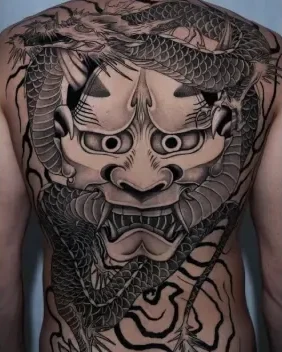
Japanese
@corvus_ntc, GRFlowing composition, strong lines, classic motifs.
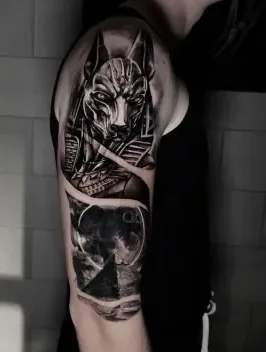
Realism
@confess, GRPhotographic detail, shading, no outlines.
Flat tattoo simulators lie. AR doesn't.
Every flat simulator out there runs in your browser. Inkjin runs in your hand.
2D simulators
- Flat overlay, no depth.
- Doesn't follow body curves.
- Same angle from any view.
- No real scale reference.
Inkjin AR
- Real 3D placement on your actual body.
- Follows your body when you move.
- Scales to your skin in real time.
- See it from any angle, not a fixed photo.
What a virtual tattoo try-on actually shows. And what it can't.
A virtual tattoo preview is a fit check, not a crystal ball. Your artist still adjusts the design for your skin, your curves, your flow. Here's the honest split. What the preview answers for you, and what still needs a human eye on it.
- Accurate placement and scale.Where will this tattoo sit, how big will it feel on you?
- Real body curvature.How will it wrap around your arm when you move?
- Confident shortlist building.Test five options, keep two, walk into the studio sure.
- Exact final colors.Skin tone and ink settling will shift the palette slightly.
- Your artist's touch.They'll adjust the design for flow, readability, and skin behavior.
- Long-term fading.How it'll look in 10 years is still up to care and sun.
They saw it before they got it.
“Saved me from a tattoo my girlfriend still makes fun of two months later.”Marcus · Brooklyn, NY
“My artist thought I was crazy when I sent her the AR previews, then she said 'honestly this is exactly what I need from clients.”Yuki · Los Angeles, CA
“I was going to get a huge piece on my ribs. Tried it in AR, turned out it looked way too big on my frame. Scaled it down, got it done, love it.”Sophia · Athens, GR
“The feature that stands out the most for me is the ability to try on any tattoo idea I have. It’s incredibly intuitive and gives me a realistic preview of how a design will look on my skin. Whether it’s a small design for my wrist or a full sleeve, I can experiment with different placements, sizes, and styles before committing. This has been a game-changer for me in finding the perfect tattoo without any second-guessing. Highly recommended for anyone exploring tattoo ideas!”NastyaKrk · Athens, GR
Before you book your next tattoo
The decisions you make before the needle touches skin are the ones that matter most. These guides cover all of them.
Like how it looks? Find the artist who can make it.
How AR actually works.
What AR can do, what it can't, and what to do with what you see.
Still have a question? Talk to us →
Does AR show exactly what my final tattoo will look like?
No. AR previews placement and scale on your body. Your artist will still adjust the design and execute it.
How accurate is AR for sizing?
Accurate enough to prevent the common mistakes. Use it to choose a size range, then confirm the final measurements with your artist.
What should I check when I try a tattoo on in AR?
Fit, flow, and readability. Does it sit naturally on the body area, follow the shape, and still read clearly from a normal distance?
Will AR work on all body parts?
Mostly yes, but curved areas can be tricky. Test a few angles and positions, and don't decide based on one perfect frame.
Can I save and share my AR try-on with an artist?
Yes. Sharing your try-on helps the artist understand your intent faster and reduces back-and-forth on placement and size.
Does AR work better for some tattoo styles than others?
Yes. Bold designs and strong contrast read best in AR. Fine details can look clean in preview but may not hold at small sizes. Treat AR as a fit check, not a detail guarantee.
Is Inkjin free?
Yes. The app is free to download and the AR try-on is free to use. No sign-up required to preview.
Which phones support AR?
Any iPhone from 2018 onwards, and any Android phone that supports ARCore. If your phone can run modern camera filters, it can run Inkjin.
Turn try-ons into booked sessions.
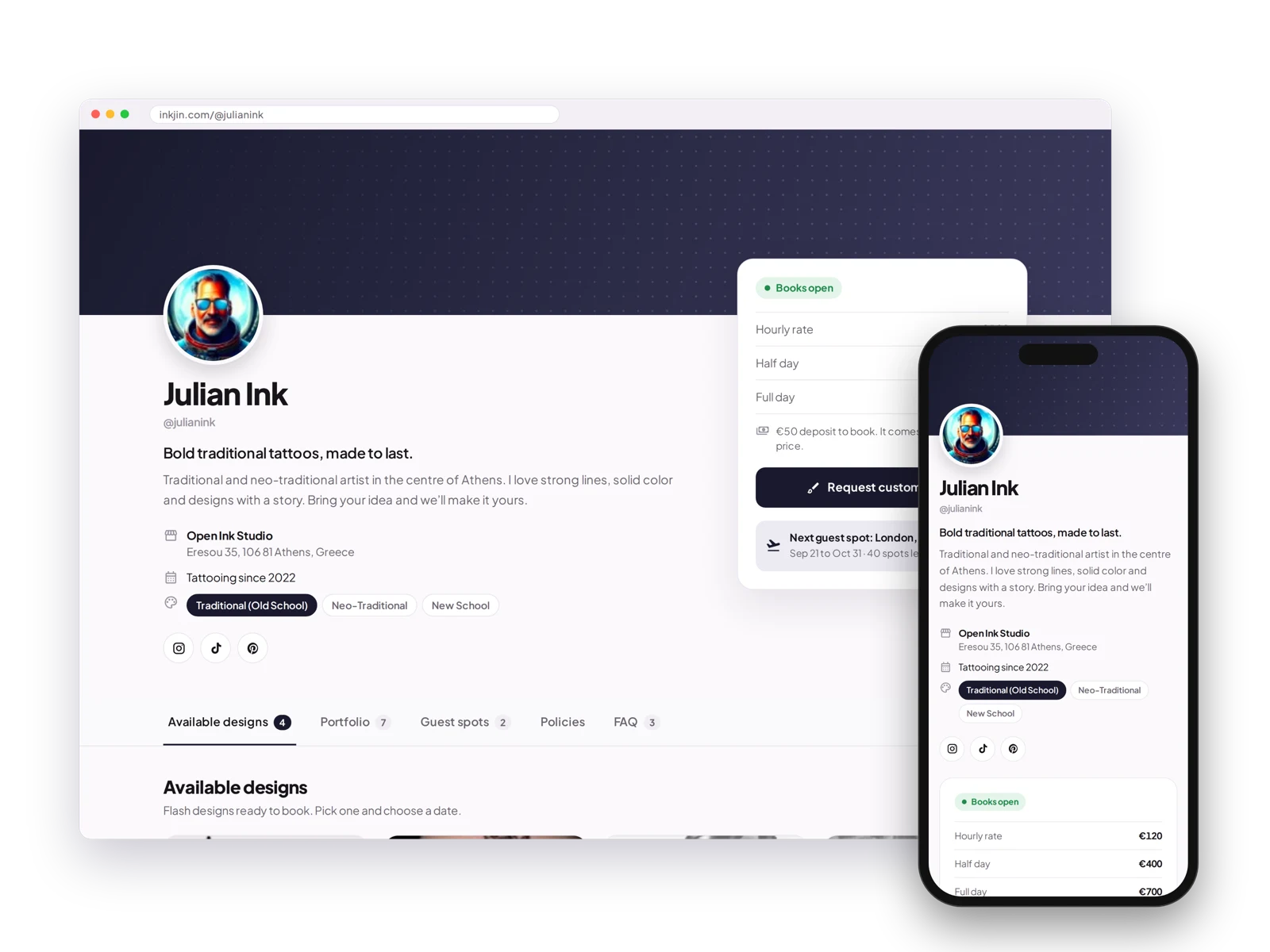
BookPay gives tattoo artists a free booking page with deposits, custom intake forms, and automatic payouts. No monthly fee, no commission.
See your next tattoo before you get it.
Free. No sign-up. Works on any modern phone.
 Scan to download