Try on any tattoo in AR. Before you commit.
The free AR tattoo app. Preview any design on your own skin in real 3D, real scale, before you ever sit for a session.



This is what a real virtual tattoo try-on looks like.
Not a flat tattoo simulator. Not Photoshop on a still photo. Real 3D tracking on your actual skin, as you move.
From idea to "show this to my artist" in 30 seconds.
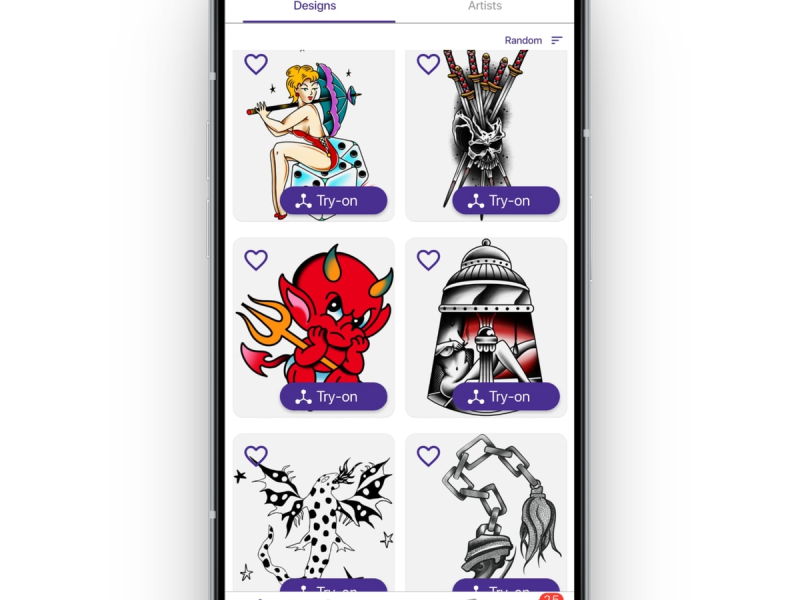
Pick a design
Open the Inkjin library. Thousands of designs, every style you'd actually consider. Or drop in a sketch of your own. Pick two or three you're torn between. Not the one you've already decided on.
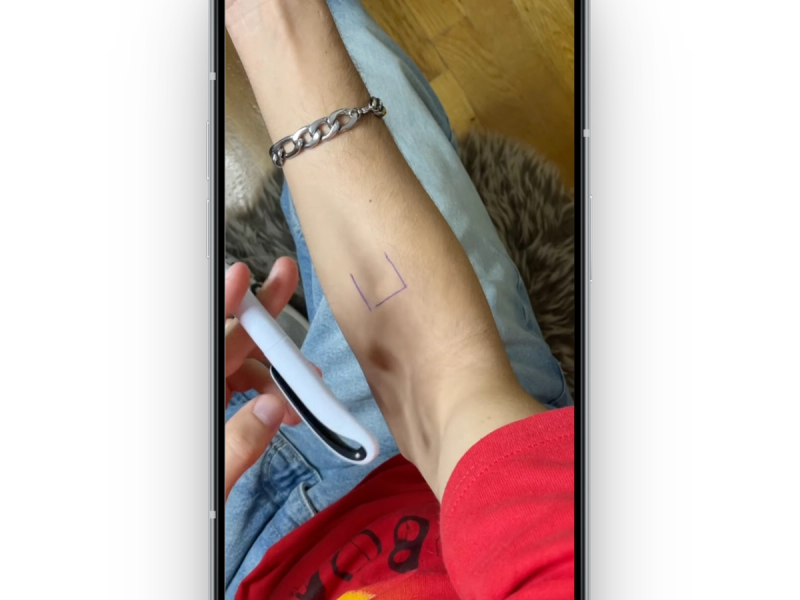
Point your camera
Aim at the spot. Arm, ribs, shoulder blade, wherever you're considering. The design snaps onto your skin at real scale. Move closer. Step back. Twist your wrist. Watch how it sits when you're actually moving, not when you're holding still.
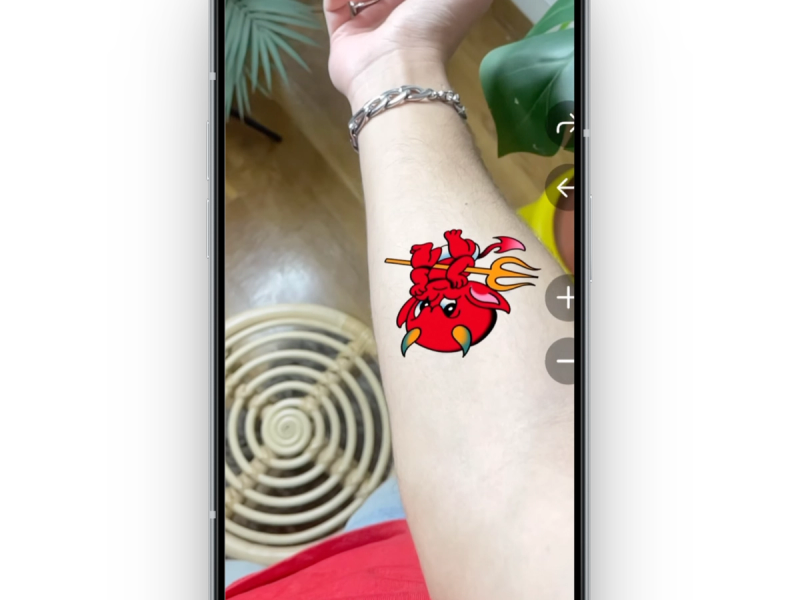
Save and share
Screenshot the angles that feel right. Send them to your tattoo artist before you walk in. The first thirty minutes of your appointment shouldn't be spent debating placement. That time is for actually getting tattooed.
Every style. Every body part. Every angle.
Every tattoo style reads differently on real skin. A bold blackwork piece that looks massive in a flash book can sit beautifully across a forearm. Fine line can get lost on broad skin. Preview the style you're considering in AR, then dig into the guide.
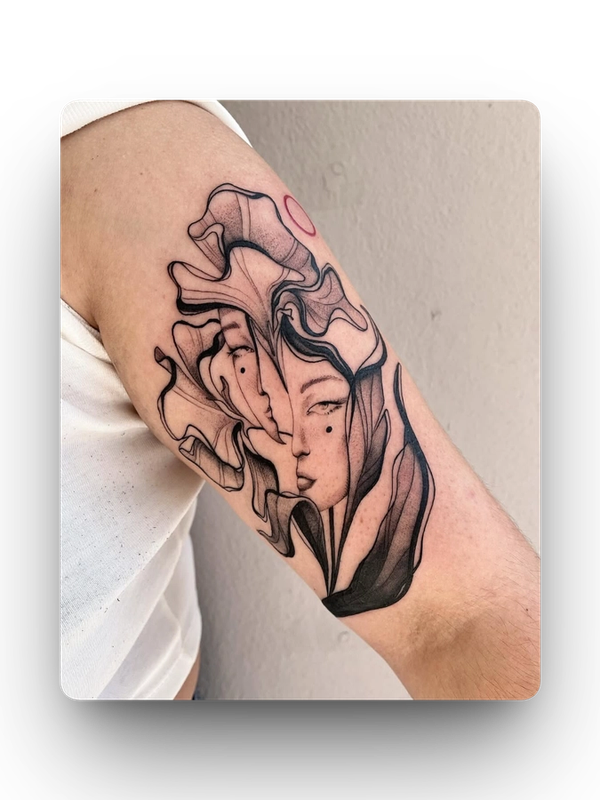
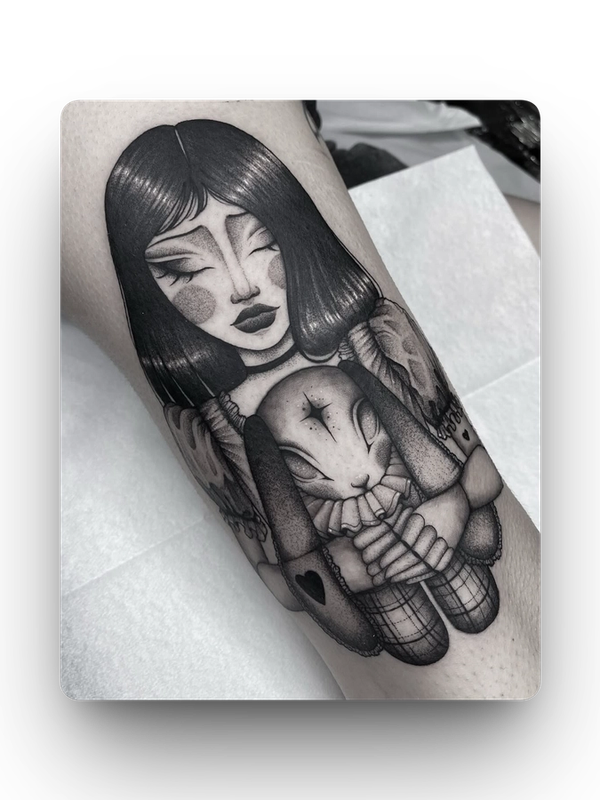
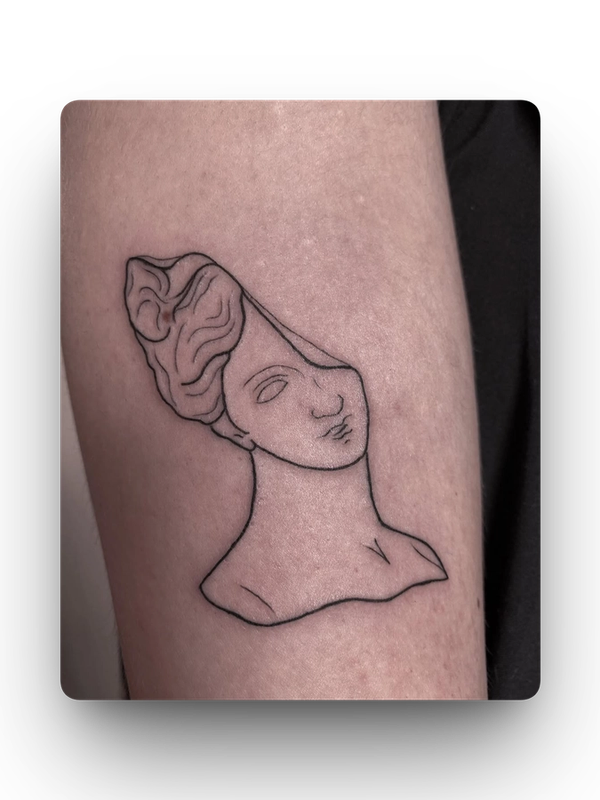
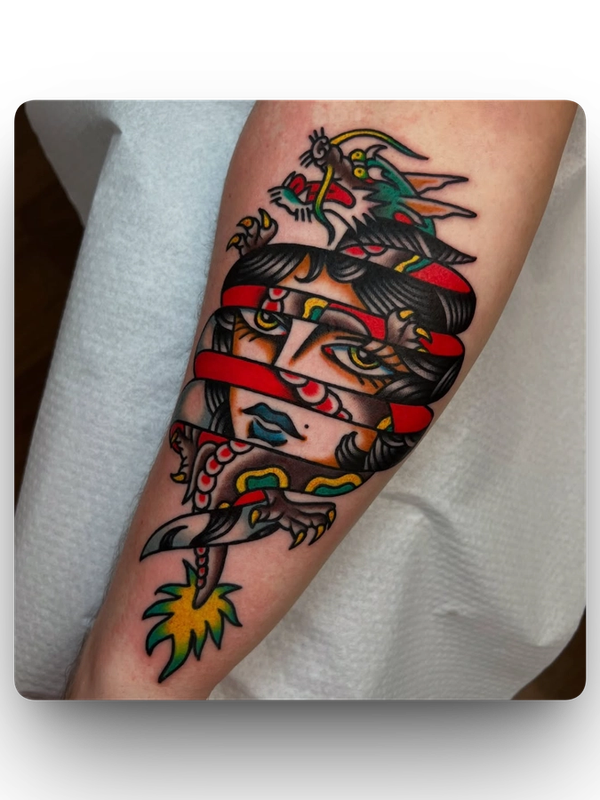
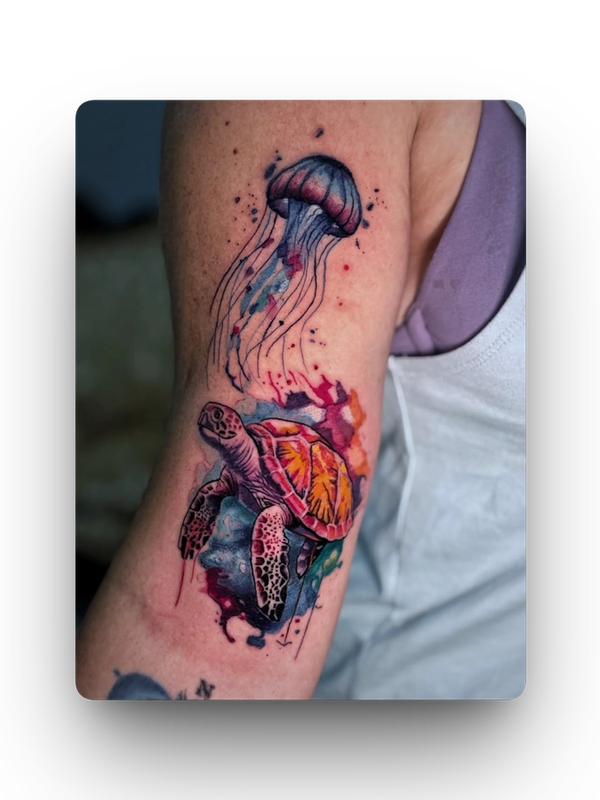
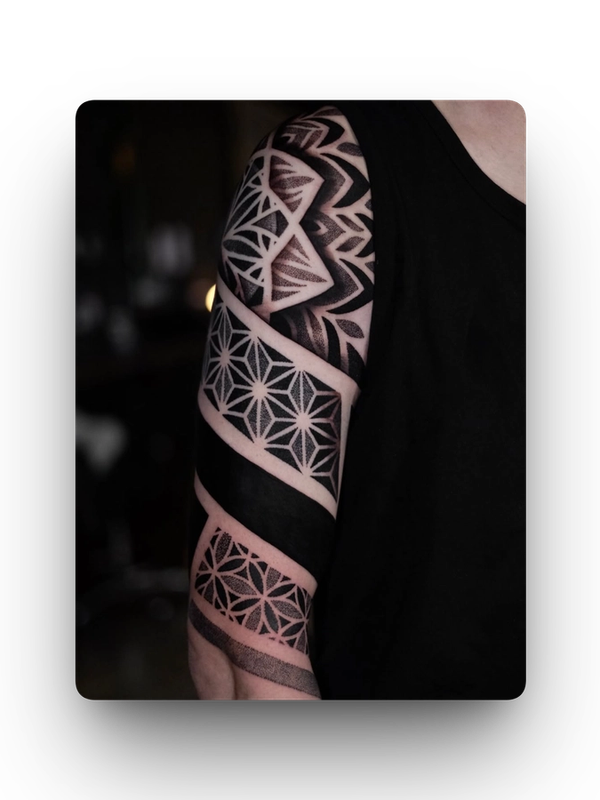
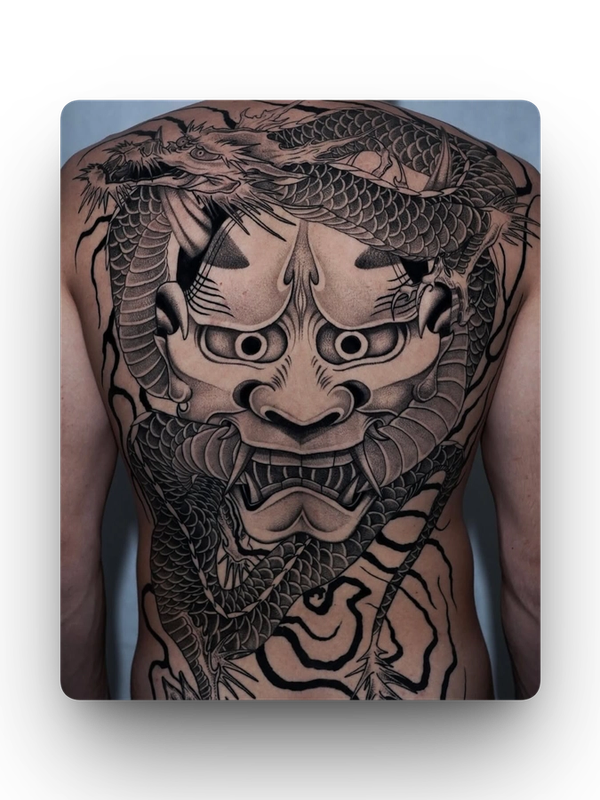
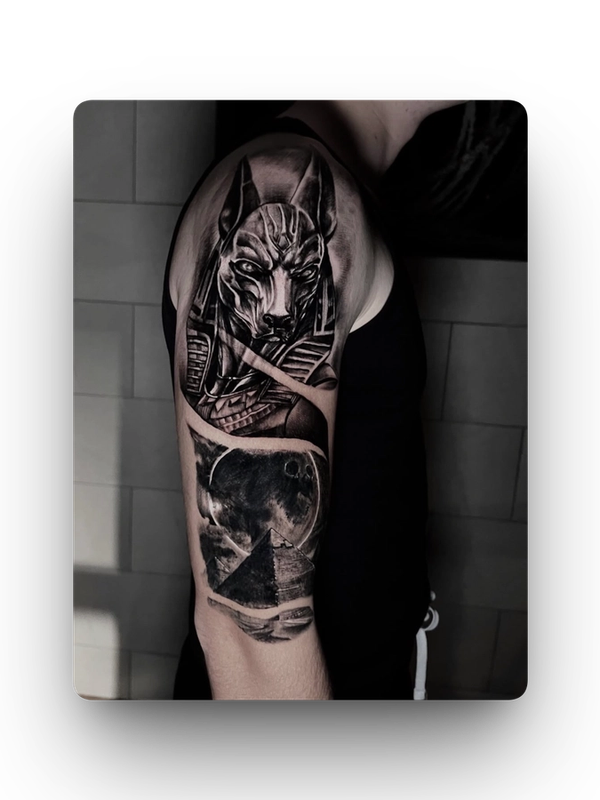
Flat tattoo simulators lie. AR doesn't.
Every flat simulator out there runs in your browser. Inkjin runs in your hand.
2D simulators
- Flat overlay, no depth.
- Doesn't follow body curves.
- Same angle from any view.
- No real scale reference.
Inkjin AR
- Real 3D placement on your actual body.
- Follows your body when you move.
- Scales to your skin in real time.
- See it from any angle, not a fixed photo.
See it first.
What the preview gets right, and what only an artist can answer.
What a virtual tattoo try-on actually shows. And what it can't.
A virtual tattoo preview is a fit check, not a crystal ball. Your artist still adjusts the design for your skin, your curves, your flow. Here's the honest split. What the preview answers for you, and what still needs a human eye on it.
- Accurate placement and scale.Where will this tattoo sit, how big will it feel on you?
- Real body curvature.How will it wrap around your arm when you move?
- Confident shortlist building.Test five options, keep two, walk into the studio sure.
- Exact final colors.Skin tone and ink settling will shift the palette slightly.
- Your artist's touch.They'll adjust the design for flow, readability, and skin behavior.
- Long-term fading.How it'll look in 10 years is still up to care and sun.
Before you book your next tattoo
The decisions you make before the needle touches skin are the ones that matter most. These guides cover all of them.
Placements
Where it lives changes everything. Pain, visibility, how the area heals, and how the body's curves shape the design.
Pricing
What you'll actually pay. Size, style, shop minimums, and what separates a €200 tattoo from a €2,000 one.
Aftercare
The first two weeks decide the next ten years. The small mistakes that fade a piece and how to avoid them.
Styles
Fine line or blackwork? Japanese or neo-traditional? What each style looks like on real skin, how it ages, who it suits.
Artist selection
How to read a portfolio past the highlight reel, spot healed work, and catch the red flags before you book.
Tattoo ideas
Motifs, flash sheets, and concepts that point you in a direction, without your tattoo turning into someone else's.
They saw it before they got it.
Real people who used AR try-on before walking into a studio.
"I was going to get a huge piece on my ribs. Tried it in AR, turned out it looked way too big on my frame. Scaled it down, got it done, love it."
"Saved me from a tattoo my girlfriend still makes fun of two months later."
"My artist thought I was crazy when I sent her the AR previews, then she said 'honestly this is exactly what I need from clients."
"The feature that stands out the most for me is the ability to try on any tattoo idea I have. It’s incredibly intuitive and gives me a realistic preview of how a design will look on my skin. Whether it’s a small design for my wrist or a full sleeve, I can experiment with different placements, sizes, and styles before committing. This has been a game-changer for me in finding the perfect tattoo without any second-guessing. Highly recommended for anyone exploring tattoo ideas!"
How AR actually works.
What AR can do, what it can't, and what to do with what you see.